
30 RAW extensions
.3fr through .x3f
Hasselblad, Sony, Canon, Kodak, Nikon, Olympus, Pentax, Fujifilm, Panasonic, Leica, Samsung, Sigma and more. RAW is decoded locally through ImageMagick’s LibRaw module; the full list is in the index below.
30 camera RAW extensions, 24 everyday formats and 22 archival or technical files. Live Gallery reads them locally and catalogues them together — no conversion step before you can browse.
The common formats
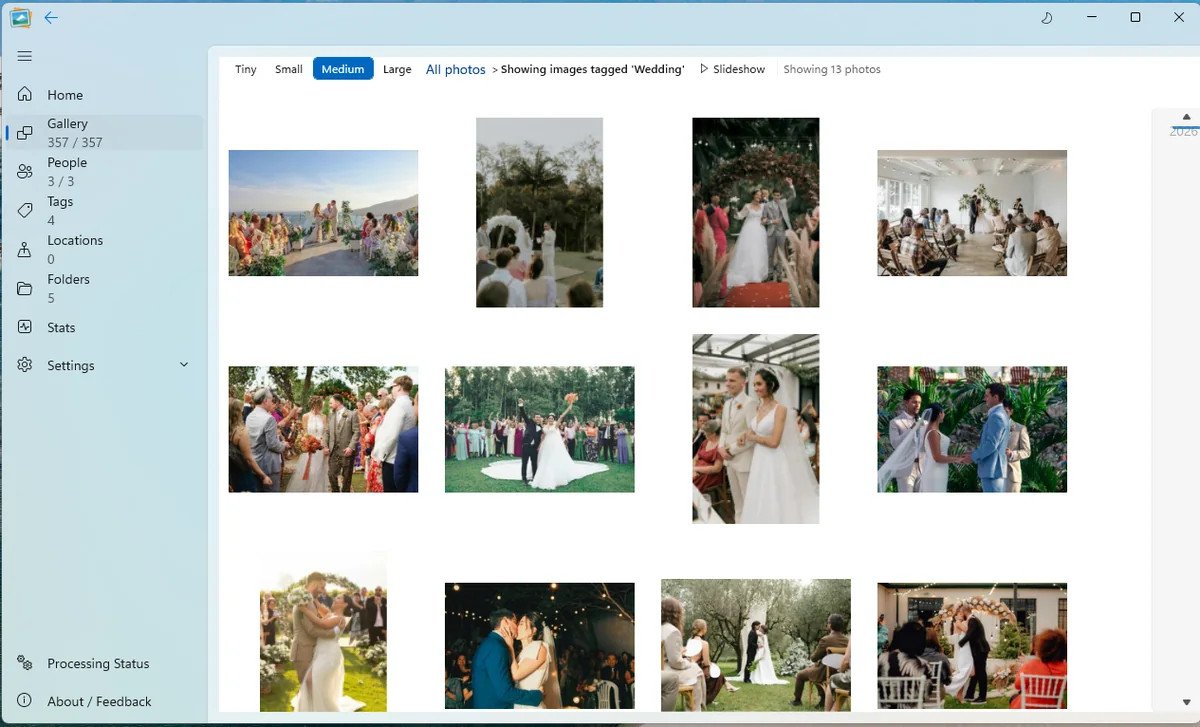
JPEG, HEIC, PNG, TIFF, WebP and RAW, plus AVIF and JPEG XL. These are the files you are most likely to meet; the full 76-extension index is below.
.3fr through .x3f
Hasselblad, Sony, Canon, Kodak, Nikon, Olympus, Pentax, Fujifilm, Panasonic, Leica, Samsung, Sigma and more. RAW is decoded locally through ImageMagick’s LibRaw module; the full list is in the index below.
.jpg .jpeg .jpe .jfif
The everyday format, from old point-and-shoots to today’s phones. All four common JPEG extensions are recognised.
.heic .heif
The default from modern iPhones and many Android phones. Read alongside the rest of the library, with no conversion step.
.png .png8 .png24 .png32
Screenshots, exports, transparency and the PNG variants ImageMagick exposes. All can sit beside camera files.
.tif .tiff
Scans, print workflows and archival masters. TIFF and TIF are both supported.
.webp
Modern web images and downloads, read and filtered with the rest of the library.
.avif .jxl
AVIF and JPEG XL are both in the table. AVIF is handled by libvips; JPEG XL by ImageMagick.
.psd .svg
Photoshop documents through ImageMagick, and SVG through libvips. Useful for exports and graphics in the same archive.
.gif .bmp .j2c .j2k .jp2 .jpf
Older and specialist files that still turn up in real libraries. The full index has the rest.
Read, catalogue, filter. “Supported” means Live Gallery can decode and catalogue the image. It does not mean the app writes XMP/IPTC back into the file or edits pixels. Every tier includes all 76 formats; capacity is separate.
30 RAW · 24 everyday · 22 archival
Sensor data read through ImageMagick’s LibRaw module.
The formats most libraries are actually made of.
Older, scientific, print and high-dynamic-range files.
Compiled from the current ImageFormatHelper table, 7 November 2026. PDF is not supported. All 76 formats are included on every licence tier.
Mixed by default
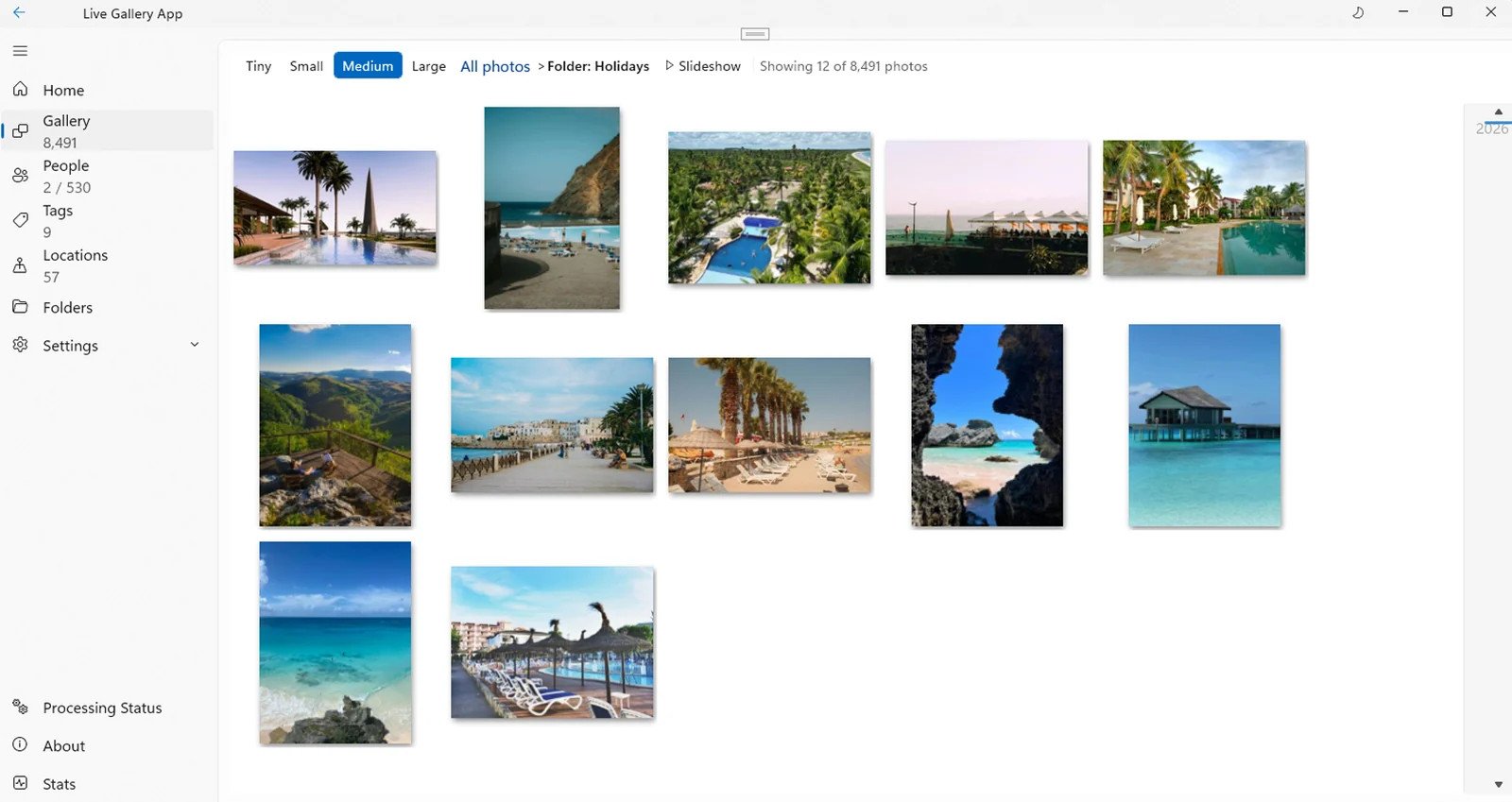
Do not split RAW from JPEG or move HEIC photos into a separate folder before Live Gallery will recognise them. Point it at the structure you already have.
Good questions
Yes. The full camera RAW list is 30 extensions, including Canon CR2/CR3/CRW, Nikon NEF/NRW, Sony ARW/SR2/SRF, Fujifilm RAF, Panasonic RW2/RAW, Olympus ORF, Pentax PEF, DNG and Hasselblad/Phase One/Leaf formats.
Yes. HEIC and HEIF are supported through both decoding paths; AVIF is handled by libvips. They are read alongside JPEG, RAW and everything else.
No. PDF is deliberately not in the current format table. It needs a different rendering path and is not a photo format for this library. The old “PDF supported” note is stale.
No. Supported means Live Gallery can read, thumbnail, catalogue and filter the file. The app is a library, not an editor; it does not write XMP or IPTC back into the original file. Export is a separate coming-soon tool.
Yes. Every Live Gallery licence includes all 76 formats. The free beta is capped at 5,000 images, not at a subset of formats.
This is a photo library, not a video manager. PSD is read as an image, not as an editable layered document. Animated GIFs are read as images; animation is not a supported playback feature.
Bring the whole archive
Download the free beta and point it at the folder you already have. Keep the structure; lose the conversion step.
Windows 11 · Free 5,000-photo beta · No account needed